Claim pixbox.io/you.
Photo, name, one line about the work. That is the public card.
Digital business card
Same job as Linktree: one page of buttons you control. Instagram, booking, a price list, email, WhatsApp, a map, last weekend’s gallery. Share the URL or print a QR. Open Aperture Studio. $5/mo.
$5/mo. Optional. You do not need this to send a gallery.
$5/mo. A link page. Gallery delivery still works without it.
Photo, name, one line about the work. That is the public card.
Instagram. Book. Prices. Email. A Drive leftover if you still have one. A live gallery if you already delivered in Pixbox. Any URL.
Instagram bio, email signature, the actual paper card. Same page. Change a link later without reprinting.
If it has a URL, it can be a button. Instagram, TikTok, a PDF, HoneyBook, WhatsApp, your own site.
Booking, prices, email, phone, a map, a heading, a short text block. Or a blank link with your own label.
Pin a box you already delivered. You do not have to. Plenty of cards are just socials and a book button.
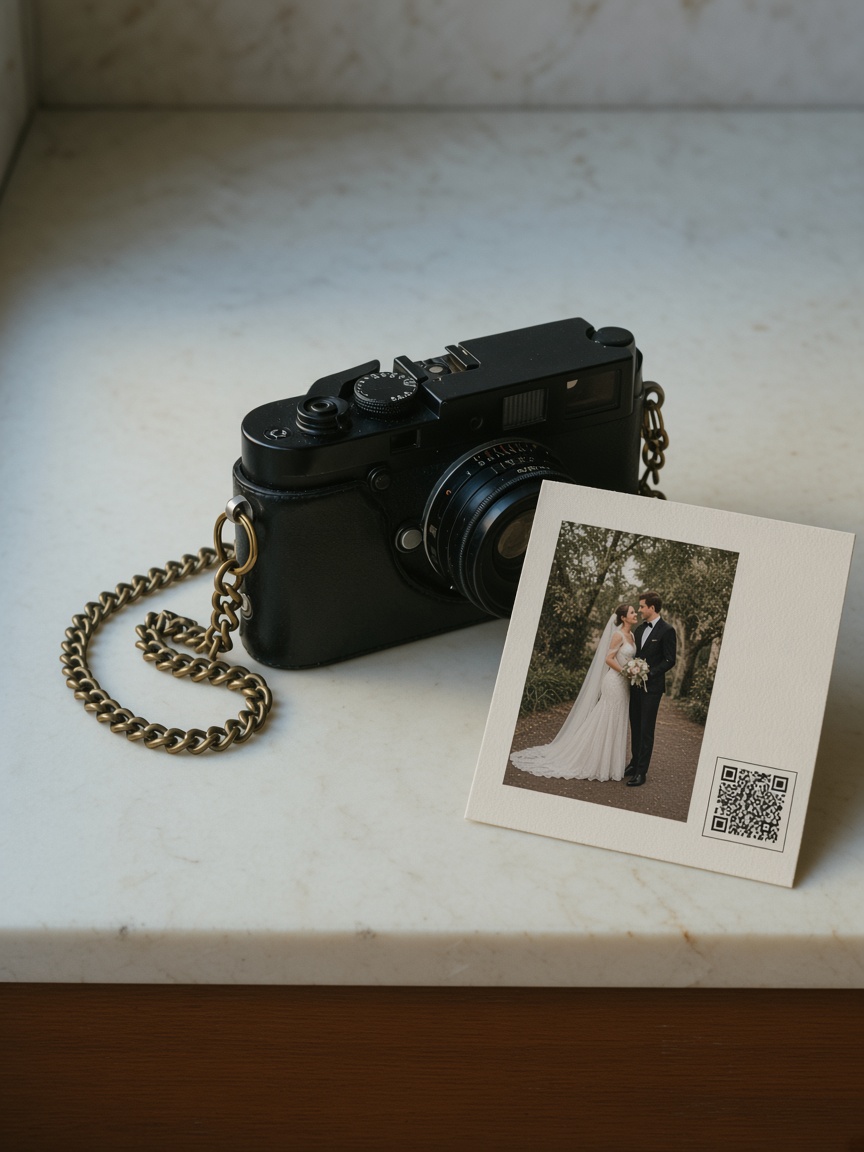
Download the code. Thank-you card, invoice, the paper business card. The URL behind it stays yours.
Avatar, studio name, username, bio. It should look like you handed them a card, not a list of raw URLs.
You are not paying a second company for “link in bio.” Turn this on next to the galleries, or leave it off.
The card is a page of links. That is the product. The extra, if you want it: a gallery you already uploaded can sit on it, so you are not pasting a Drive folder into a bio tool after every wedding. Skip that if you only need Instagram and a book button.
Same job. One page. You choose the buttons. Difference: it lives in Pixbox, so you can pin a live gallery you already delivered, and you are not running a separate bio product. You can also use it with zero galleries on it.
Whatever you want as a link: Instagram, TikTok, booking, a price guide, email, WhatsApp, a map, a website. Headings and text if you want sections. Live albums if you pin them.
No. Send the gallery link. The card is the reusable URL: who you are and the links you keep handing people.
No. One page, like Linktree. Work / About / Contact on your own domain is the website tool.
Yes. $5/mo on top of the box. Starter is still one sponsored gallery. The card does not add extra storage.
Open Aperture, then turn the card on when you want a URL that is not a gallery link.